RECORDING SYSTEMS
Capture locally.
Keep a copy elsewhere.
A security archive is a system, not a single box. Start with a dedicated recorder, then design the power, network and recovery path around it.
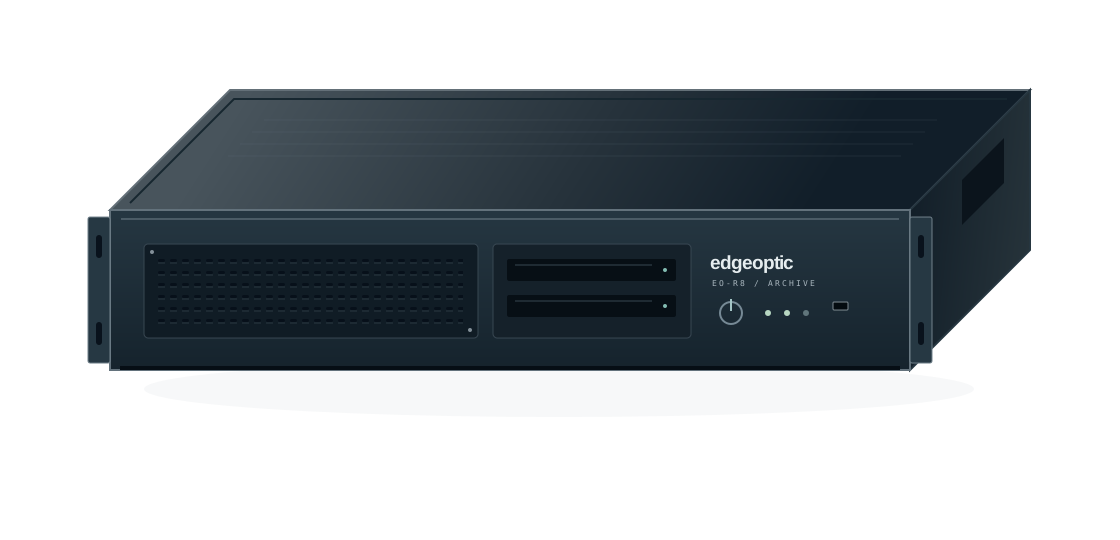
EO-R SERIES / LEGACY PLATFORM
EO-R8
A dedicated security DVR with protected local storage and independent archive replication.
The EO-R8 captures connected cameras and their designated microphones. The operator PC handles administration and playback; the recorder maintains its own storage and outbound archive configuration.
Read the recovery manual ↗Legacy platform · Recovery documentation and archive guidance available.
THE COMPLETE RECORDING PATH
Separate responsibilities.
Fewer shared failures.
Dedicated recorder
Camera and microphone capture, protected local storage and outbound transfers independent of the operator PC.
Off-site archive
An independently configured destination. Confirm the received copy before relying on it for recovery.
Operator workstation
Administration, archive browsing and playback. Loss of this interface does not establish loss of the recordings.
BEFORE SPECIFYING A SYSTEM
Start with the site.
Then select the protection.
- Identify the camera and audio sources that must be retained.
- Assess heat, water ingress and physical exposure at the installation.
- Keep recorder and uplink backup-power requirements together.
- Place the archive outside the same physical failure zone.
- Assign archive access and retention independently of the workstation.